|
 In
the beginning . . . . . In
the beginning . . . . .
One of the largest Zebrafish Facilities in Sweden was started up early
in 2005. A paper-based system was introduced to keep track of the
fish stocks and two Excel tables were used to keep track of
deaths and crosses.
Every time a new batch of eggs came into the facility it was
necessary to manually fill in a paper form and store it in a
folder. It had:
- Stock number
- Date of birth
- Genotype
- Tank location
- Source
- Parents
- Etc. etc.
Evolution . . . .
Around the middle of 2005 one of the technicians, who
subsequently became manager of the Facility, approached Brian
Rothery, an IT consultant specialised in databases, to discuss
the possibility of a more sophisticated solution. They decided to
use Microsoft Access, a component of the Microsoft Office suite,
to build a database to replace the existing system.
Construction started in September 2005.
As both were involved in other more urgent projects at the time,
it took until April 2006 before all the stock figures had been
entered and the Excel tables imported for the last time and
retired.
Today . . .
The database is now in use on a daily basis. It keeps track of
all the fish stocks and gives a good overview of the state of the
Zebrafish facility and its progress. According to the facility
manager ”It is an invaluable tool to help me run the fish
facility.”
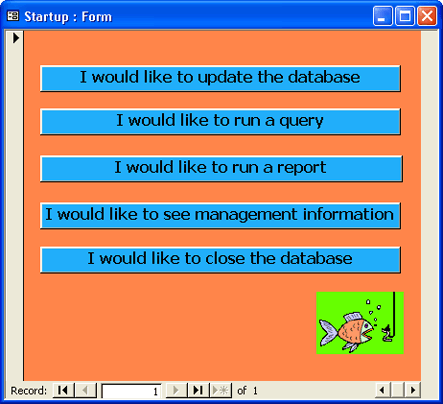
The main menu
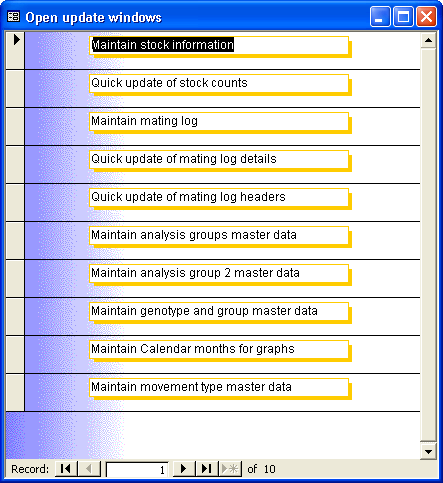
The update options
Not all options are available to all users. The Master table
data, used to validate information entered using the Stock and
Mating Log programs, are only available to the database
administrator user profile. Normal users do not even see them.
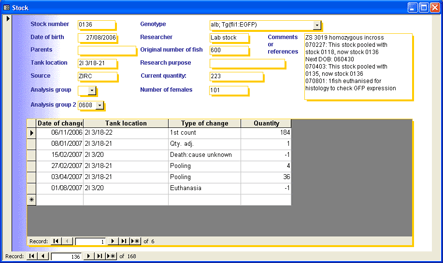
Maintaining the stock information
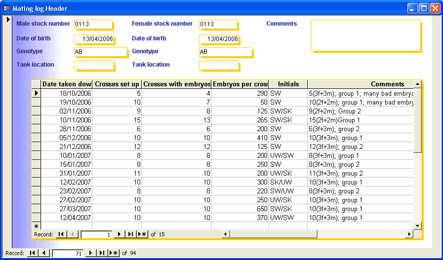
Maintaining the Mating Log
Some master data update windows
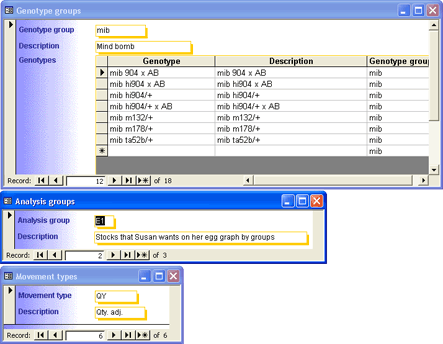
These can only be accessed by the Administrator user profile.
They control the behaviour of other programs and are rarely
changed.
The Report options
This menu is new. So far, there is only one report. Notice the
bug! The heading should say “Run reports” not “Open user
queries”.
This program is used when a new batch of baby fish is to be
introduced to the aquarium. A large batch may need to be split
among ten or twelve fish tanks and each one needs an identifying
label. Formerly, these were hand written on expensive pre-printed
labels. Now the database produces them from the information
already stored in the Stock table.

The Queries
The difference between an Access report and a query is that
reports go straight to the printer. A query is first displayed on
the screen, letting the user decide whether to print it, or just
look at the information and close the query again without using
any paper.
Here you can see where the wrong text on the reports menu was
copied from,
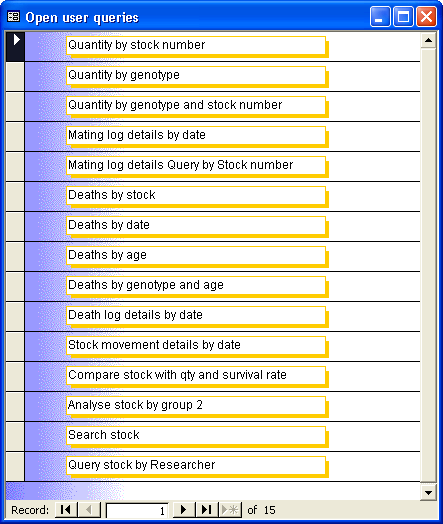
Most queries start by prompting the user to enter parameters such
as Stock Number, from and to dates or search criteria etc.
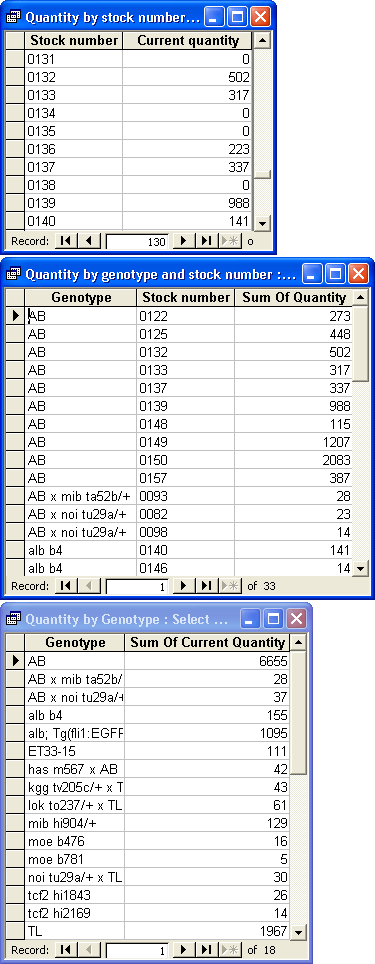
Some sample query results
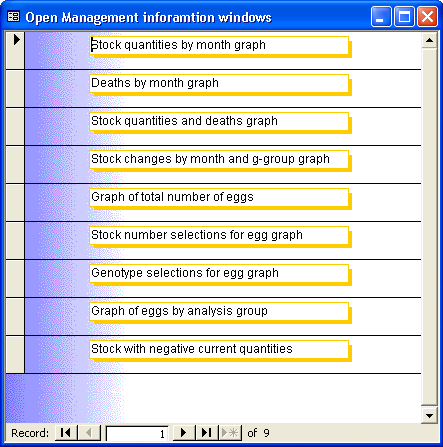
The Management Information options
|